Keep every piece editable
Arrange image and text layers, adjust their position and size, and change the order without rebuilding the whole design.
 ListingFlow
Design Editor · Your original starts here
Bring text, images, and shapes together on a focused canvas. Keep the layers editable, explore several canvases, and return when a new idea arrives.
Design EditorRoom to growIllustrated preview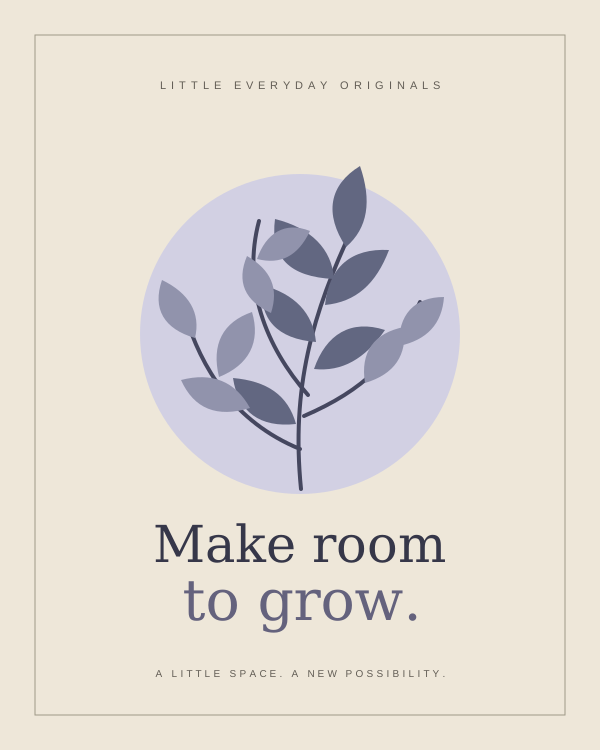
YOUR COMPOSITION
LAYERS
Local editing is available on Free. Private cloud checkpoints require eligible production access.
Arrange image and text layers, adjust their position and size, and change the order without rebuilding the whole design.
Work with multiple canvases in a project, then choose the canvases and file format you want to export.
Projects autosave on this device under your account. Reopen from Projects or download an editable backup. Cloud checkpoints are an explicit, separate save.
A CLEAR WAY THROUGH
INSIDE THE WORKFLOW
Compose text, images, and shapes. Keep editable layers, multiple canvases, and a project you can reopen.
Return to the original when your next idea arrives.Local editingAutosave is local to this device and browser, under your account. Download an editable project backup before clearing browser data. Eligible accounts can separately save and reopen a private cloud checkpoint.
Yes. Choose the canvases in the export flow. Multiple outputs are packaged together, while the editable project remains separate.
KEEP THE GOOD WORK GOING
A LITTLE MORE ROOM TO CREATE
Make the work behind your next listing feel more together.
Checking your account…Controlled beta · Real payments are not open.